Move Studio, a Rebuilt Dynamic Fields Explorer, and a Hardened Local Server
Highlights
- Move Studio, redesigned: a two-step entry flow (pick a source, then a stage) replaces the all-controls-at-once landing page, and Interact now actually works against a deployed package ID.
- Dynamic Fields, fixed and rebuilt: the explorer crashed on every query behind a response-shape mismatch; it now works, and surfaces the FIELD vs. OBJECT distinction the API always returned but the page never showed - table, relationship-graph and activity views included.
- Your local server, better guarded: exporting a key, signing, transferring or paying now asks you to pair your browser first - a one-time step, done from the terminal where the server is running.
Pairing: one extra step for anything that moves funds or keys
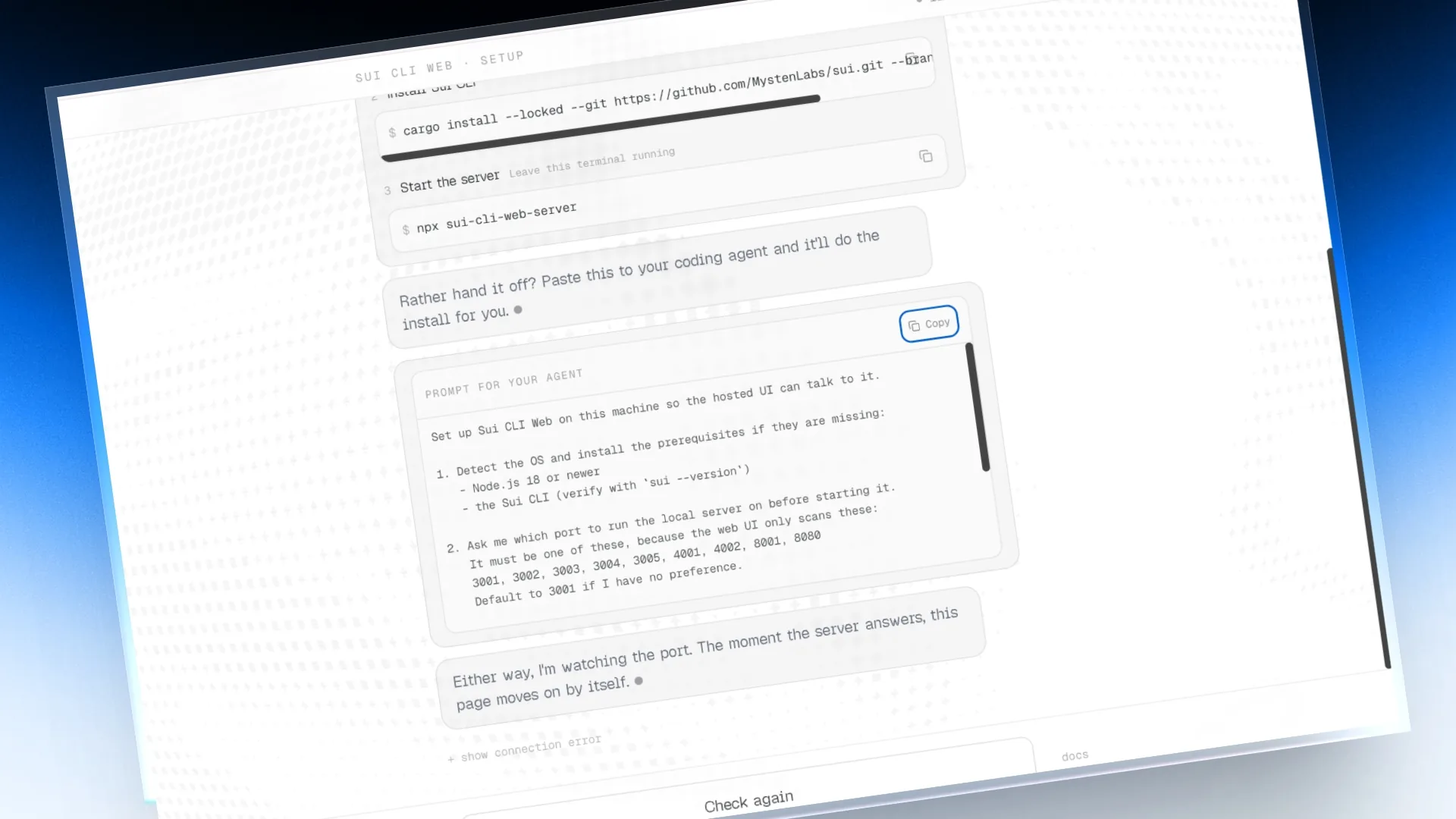
The local server has no login of its own - anything that can reach it on your machine could ask it to export a key or sign a transaction. Exporting a private key, importing one, transferring, paying, and signing now require pairing: copy the token printed in the terminal where you started the server, and paste it once into the "Pair browser" control next to the theme toggle. Read-only actions - balances, dry-runs, browsing objects - are untouched.
Improvements
- Package Explorer: a dedicated page for browsing a deployed package's modules, functions and datatypes, out of the Objects tab strip.
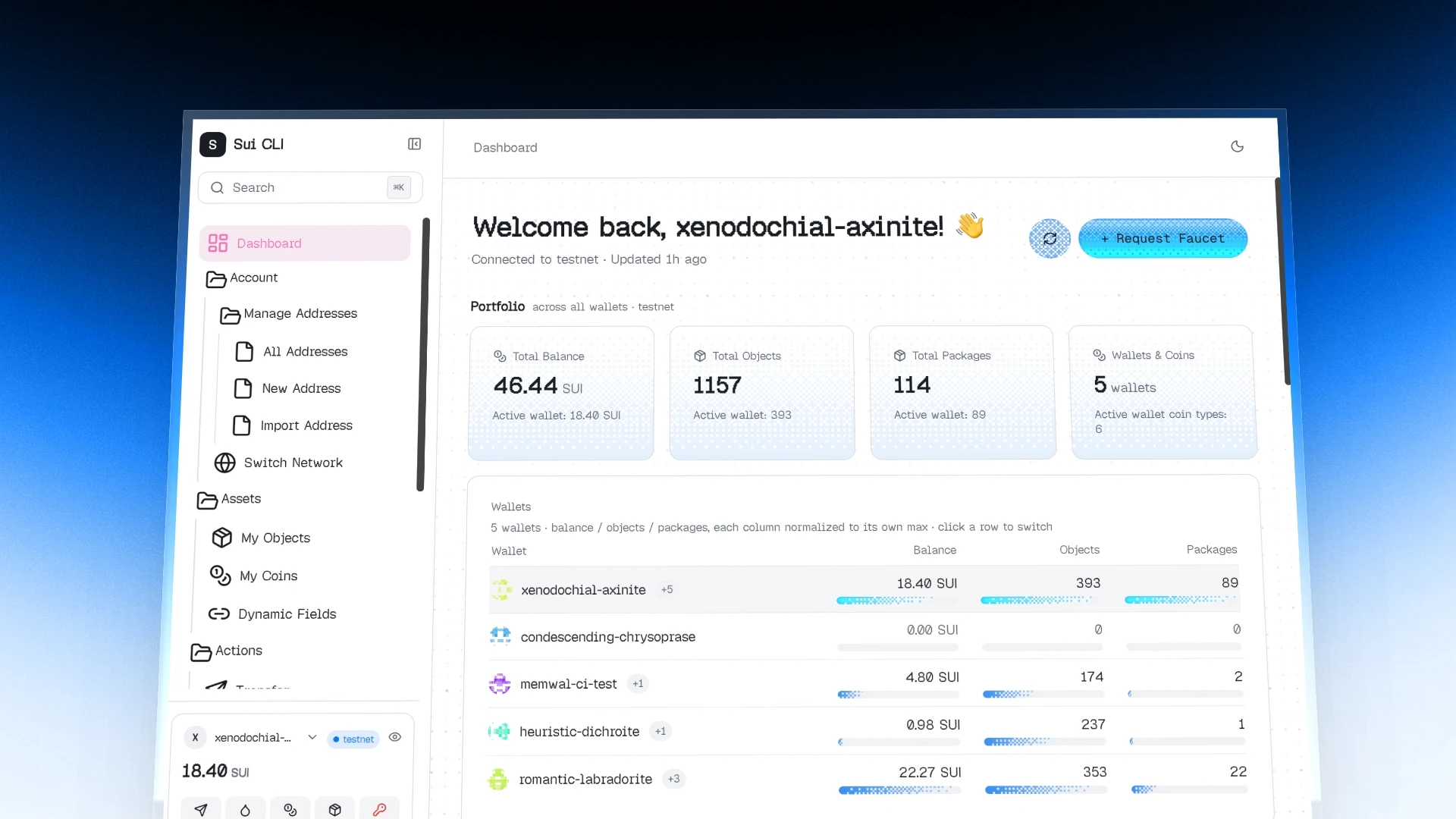
- Dashboard: the widget grid is now configurable - add, remove and rearrange the cards you actually want to see.
- Devstack Bridge: point the app at a local devstack project and switch your active environment to its network without leaving the browser.
- Copy for AI rewritten across the app to export live state, your local server's endpoints, and the domain rules an LLM needs to be correct - not a static, one-size-fits-all prompt.
- Transfer: a single centred ticket showing the selected coin's own spendable balance, so Max can no longer suggest more than that coin actually holds.
- Faucet: dropped two faucets that no longer work, and listed the official HTTP API endpoint as a source.
Bug fixes
- Dynamic Fields Explorer threw "r.slice is not a function" on every query - the shape of the server's response and what the page expected had drifted apart.
- Explorer links across several screens were hardcoded to testnet, producing wrong links on mainnet and devnet and dead ones on a local network - they now follow your active network.
- Setting a custom port for the local server silently bound it to every network interface instead of just your machine - it now stays on localhost unless you explicitly ask otherwise.
- Sui CLI commands run through the server - including importing a mnemonic or private key - were logged in full to a local analytics file. Only the command name is recorded now.